10 Disney Cruise Tips & Hacks You Must Know

A Disney cruise runs on its own set of unwritten rules, and the families who get the most out of it tend to know a handful of small tricks well before they board, from booking strategy to onboard perks that don’t get advertised loudly.
Disney Cruise Line packs a lot into a relatively short sailing, whether that’s character interactions, Broadway-caliber shows, or a private island stop, and a little advance planning goes a long way toward avoiding lines, missed reservations, and disappointed kids.
Here are ten tips and hacks that make a real difference on a Disney cruise, from the moment you book to the moment you disembark.
10 Disney Cruise Tips & Hacks
1. Book Dining Reservations and Activities the Moment They Open

Disney releases advance dining reservations, spa appointments, and shore excursion bookings on a set schedule tied to your stateroom category and Castaway Club status, and the best time slots and popular add-ons disappear fast. Set a calendar reminder for your exact booking window and log in right when it opens.
2. Pack a Fish Extender Gift If You Want In on the Tradition
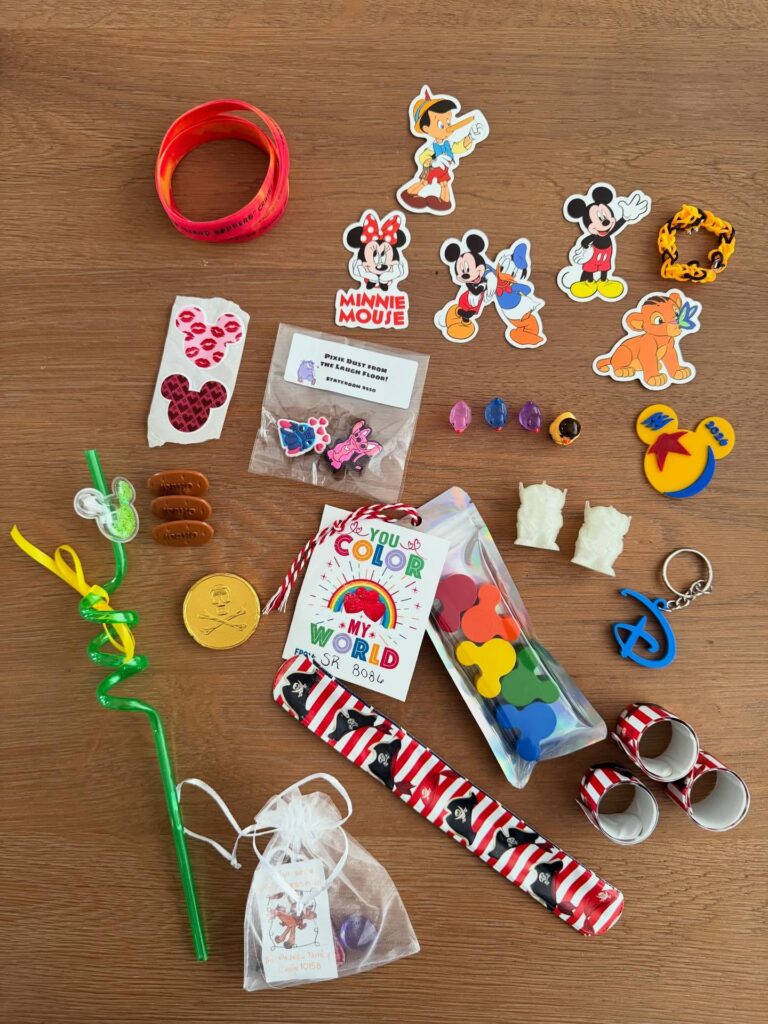
Fish Extenders are a well-known Disney cruise tradition where guests attach a hanging extender to their stateroom door and exchange small gifts with others in a group organized before the cruise, usually through Disney cruise Facebook groups.
It’s optional, but a fun way to add a little extra magic if you enjoy the community side of cruising.
3. Download the Disney Cruise Line Navigator App Before You Board
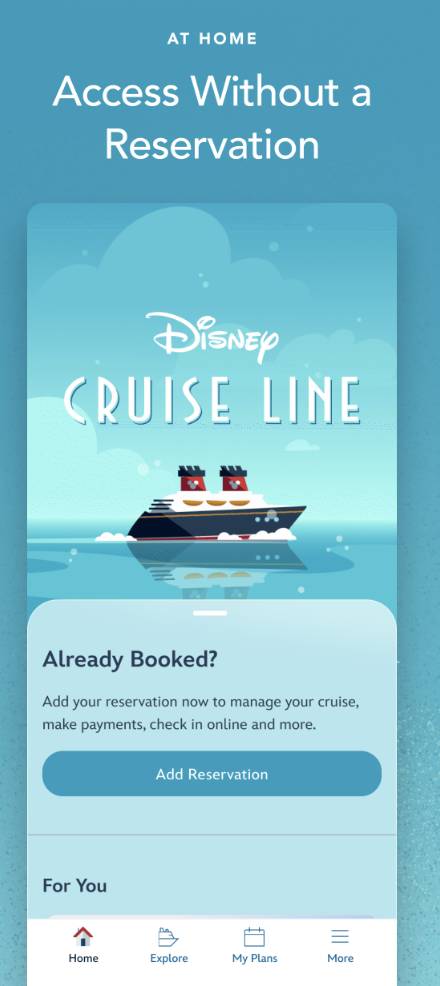
The Navigator app becomes your onboard hub for the daily schedule, dining times, deck maps, and chat messaging between your party’s phones, even without WiFi once you’re on the ship.
Download it and set up your family group before boarding day so it’s ready the moment you’re on board.
4. Bring a Door Magnet or Two for Stateroom Doors

Cruise ship stateroom doors are magnetic, and Disney cruisers commonly decorate them with cheerful magnets to make their door easy to spot in a long hallway of identical doors.
It’s a small touch, but genuinely useful for young kids trying to find their room.
5. Take Advantage of Rotational Dining and Its Serving Team

Disney’s rotational dining system moves your family between different themed restaurants each night while keeping the same serving team throughout the cruise, so your servers get to know your kids’ preferences quickly.
Mention allergies, favorite characters, or picky-eater quirks early, since the same team will remember for the rest of the cruise.
6. Use Kids’ Clubs Strategically, Not Just as a Last Resort
Disney’s youth clubs, like the Oceaneer Club and Lab, are included in your cruise fare and often have dedicated character visits, activities, and open-house hours that don’t require an extra reservation.
Checking the daily Navigator schedule for club events can turn what feels like “childcare” into an activity kids specifically look forward to.
7. Pack a Highlighter or Habit of Circling the Daily Navigator Schedule
The printed or digital daily schedule fills up fast with activities, character meet-and-greets, and trivia, and it’s easy to miss something you actually wanted to do.
Reviewing the next day’s schedule each evening and flagging must-do events helps avoid the “we missed it” disappointment.
8. Bring a Stroller Even for Castaway Cay
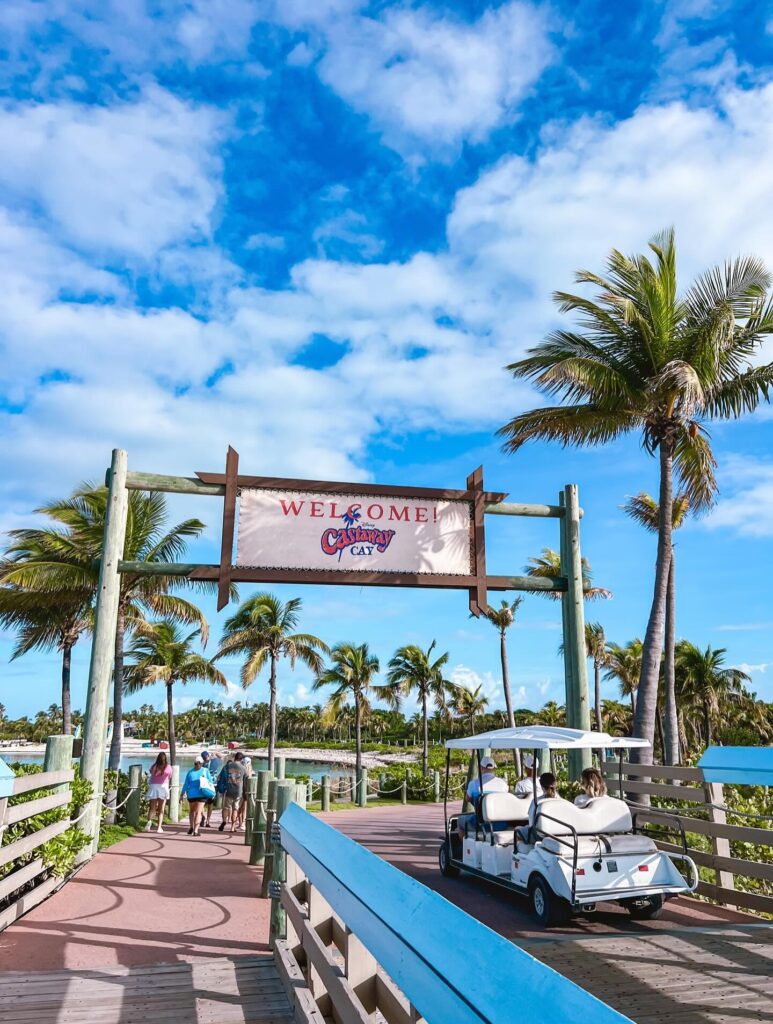
Disney’s private island, Castaway Cay, involves a fair amount of walking between the tram drop-off, beach areas, and family lagoon, and a lightweight stroller makes the day noticeably easier with young kids.
Many parents rent one dockside if they don’t want to bring their own onto the ship.
9. Ask About the Command Center for Adult-Only Time
Some ships offer designated adult-only areas and evening entertainment specifically so parents can get a break without leaving the ship, from adult pools to lounges with live music.
Checking the Navigator app for these times and spaces helps parents build in a little downtime without extra planning stress.
10. Save Room in Your Suitcase (and Budget) for Merchandise and Photos
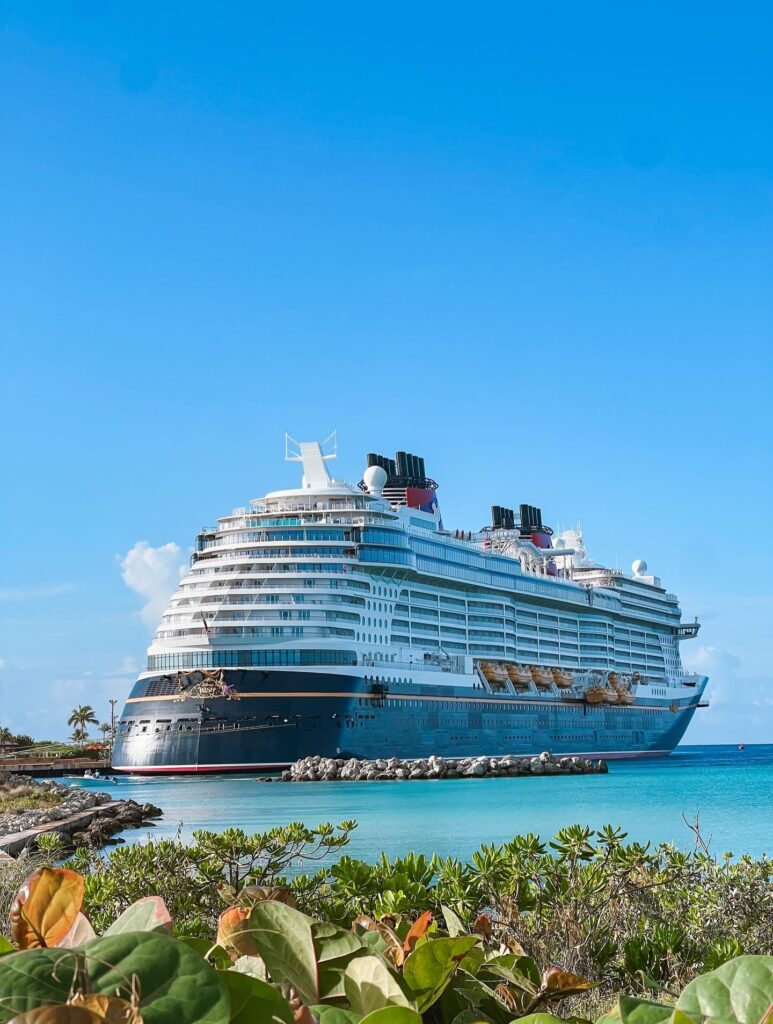
Disney cruises have exclusive merchandise you won’t find anywhere else, along with professional photographers stationed throughout formal nights, character visits, and port days.
Deciding on a rough merchandise and photo package budget before boarding helps avoid impulse spending once you’re surrounded by exclusive Mickey ears and photo opportunities.
Disney Cruise Tips FAQ
How far in advance should I book dining reservations? Disney opens advance dining reservations on a schedule based on your stateroom category and Castaway Club loyalty status, sometimes well over 100 days before sailing for top-tier guests. Logging in right when your specific window opens gives you the best shot at popular time slots.
Do I need the Navigator app if I don’t have internet access on the ship? Yes, the Navigator app works over the ship’s internal WiFi network without requiring a paid internet package, and it’s genuinely the easiest way to see the daily schedule and message your family group throughout the cruise.
Is the Fish Extender gift exchange required? No, it’s a completely optional tradition that many Disney cruise fans enjoy, usually organized in advance through cruise-specific Facebook groups. It’s a fun way to connect with other families, but plenty of guests skip it entirely.
Is Castaway Cay worth renting a stroller for, even without a baby? Yes, if you’re traveling with toddlers or young kids, since the island involves more walking than people expect between the tram stop, beach areas, and various activity zones. Dockside rentals are available if you’d rather not bring your own.
Are the kids’ clubs actually good, or just a way to get a break from the kids? Most families find they’re genuinely well-run and popular with kids, often becoming a highlight of the cruise thanks to character visits, themed activities, and other kids their age. It’s less a fallback option and more something worth checking the schedule for daily.
Final Takes
A Disney cruise rewards a little bit of homework before you ever step on board, from booking dining reservations early to knowing what’s actually included versus what costs extra. Keep the Navigator app handy, plan your must-do moments, and leave room for a few unplanned Disney surprises along the way.